Social Media
Create channel-ready posts for Facebook, Instagram, and X, with each version shaped for the platform.
One event in. Every message out.
A ministry leader hands you an event two weeks out. Instead of writing the same announcement eight different ways across eight different platforms, describe it once in ChurchCopy and get the complete promotion package, organized by channel and timed to the event date.
7-day free trial · No credit card required
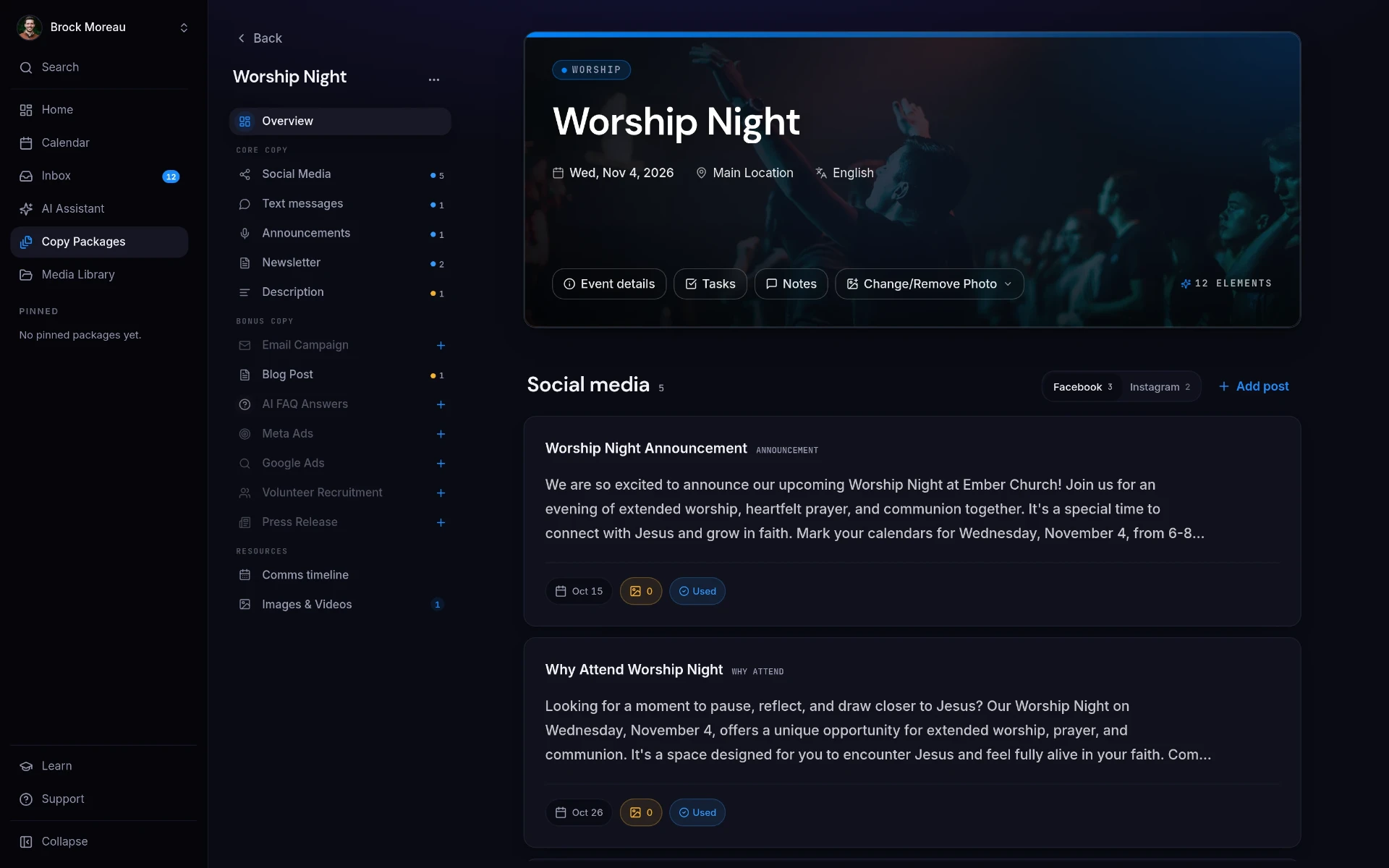
A copy package brings every piece of promotion for one church event into one place: social posts, texts, stage announcements, newsletters, descriptions, email campaigns, blog posts, FAQ answers, ads, volunteer recruitment, press releases, media, and an editable communications timeline.
Most church comms work isn't creative work. It's reformatting the same information for different channels, over and over, on a deadline.
Event details show up days before launch, so the promotion runway shrinks and the copy gets rushed.
Instagram needs one length, email another, texts must be short, the stage script has to be spoken aloud. That's hours per event.
The date is right in the email, wrong in the bulletin, and missing from the social post. Nobody catches it until someone shows up on the wrong night.
Copy is spread across docs, spreadsheets, DMs, and scheduling tools, so no one can see the full campaign at once.
Enter the event details a single time. ChurchCopy generates every asset your team needs and keeps them together as one package.
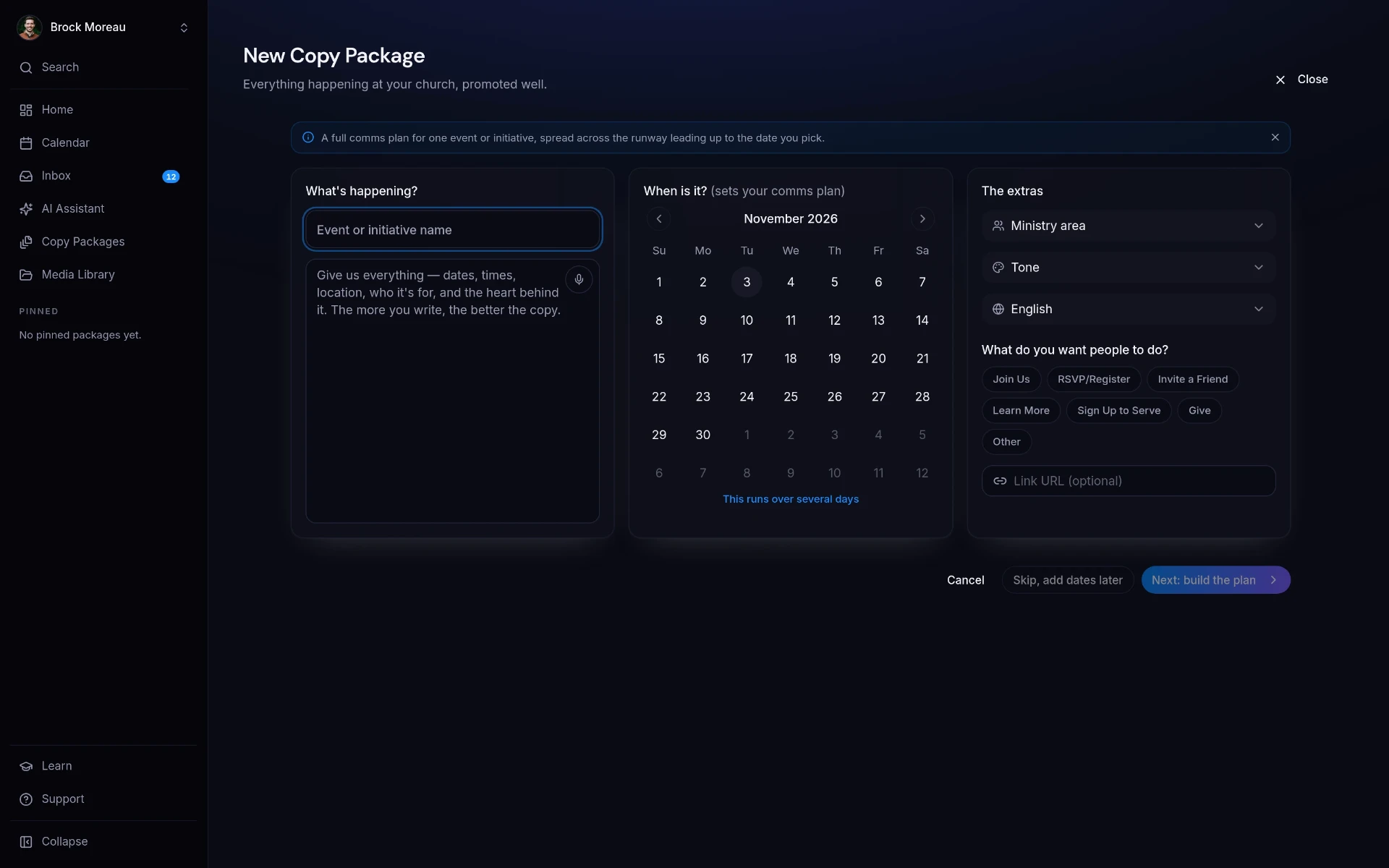
Event name, details, date, ministry area, tone, and call to action. That's the whole input.
Core messages, long-form content, paid ads, volunteer recruitment, press releases, and supporting resources, each written for where it will be used.
Messages are planned backward from the event date so the run-up is scheduled instead of improvised.
Every asset is generated through your church's tone, values, and AI policy settings.
Start with the essentials, then add the campaign pieces your event needs. Every item stays connected to the same event details, church voice, review process, and send plan.
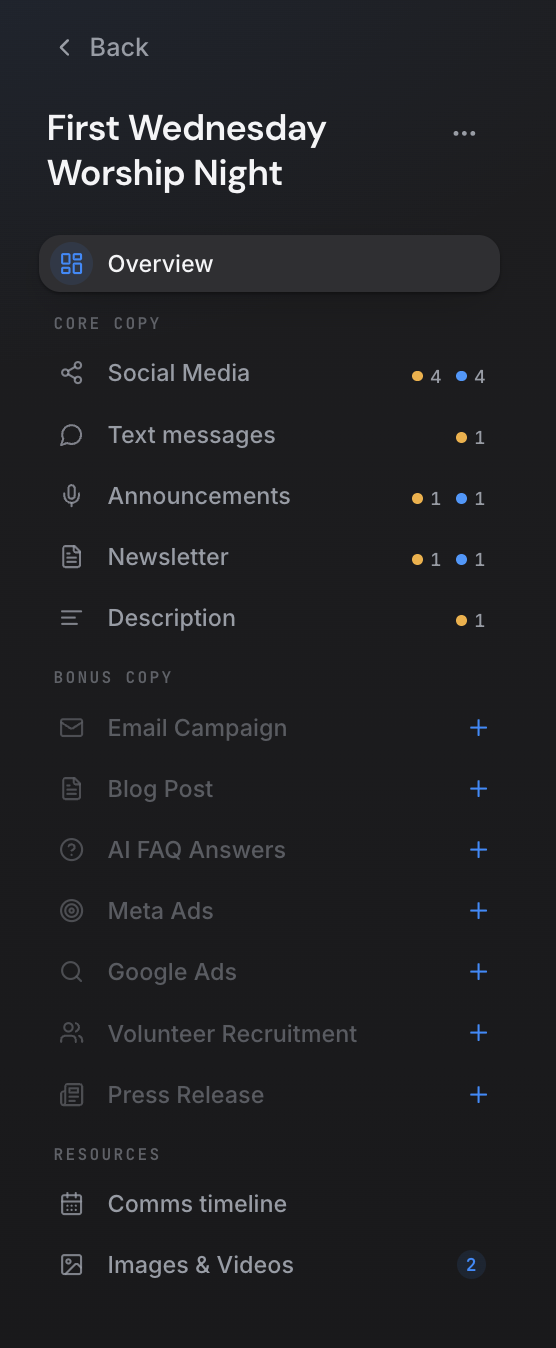
Create channel-ready posts for Facebook, Instagram, and X, with each version shaped for the platform.
Write concise reminders and calls to action that are ready to copy into your church texting platform.
Turn event details into natural stage announcements written to be spoken clearly in a service.
Add a polished event blurb to your weekly or monthly church newsletter.
Keep a flexible event description ready for email, your website, registration pages, or any other channel.
Build a coordinated series of invitation, reminder, and follow-up emails around the event date.
Create a longer story or announcement for your church website without starting from scratch.
Prepare clear answers to the questions people are most likely to ask about the event.
Generate focused primary text, headlines, and descriptions for Facebook and Instagram ads.
Create search-ad headlines and descriptions that fit Google Ads formats.
Invite people to serve with copy that explains the need, the impact, and the next step.
Turn the event into a clear, shareable release for local media and community partners.
See when each message is planned to go out, then edit and adjust the dates as your campaign changes.
Keep the visual assets for the campaign alongside the copy so your team can find everything together.
Title, date, ministry, tone, and call to action. Nothing else required.
ChurchCopy writes every channel's copy and organizes it in one view.
Edit anything, route it for approval, then copy it into the tools you already use.
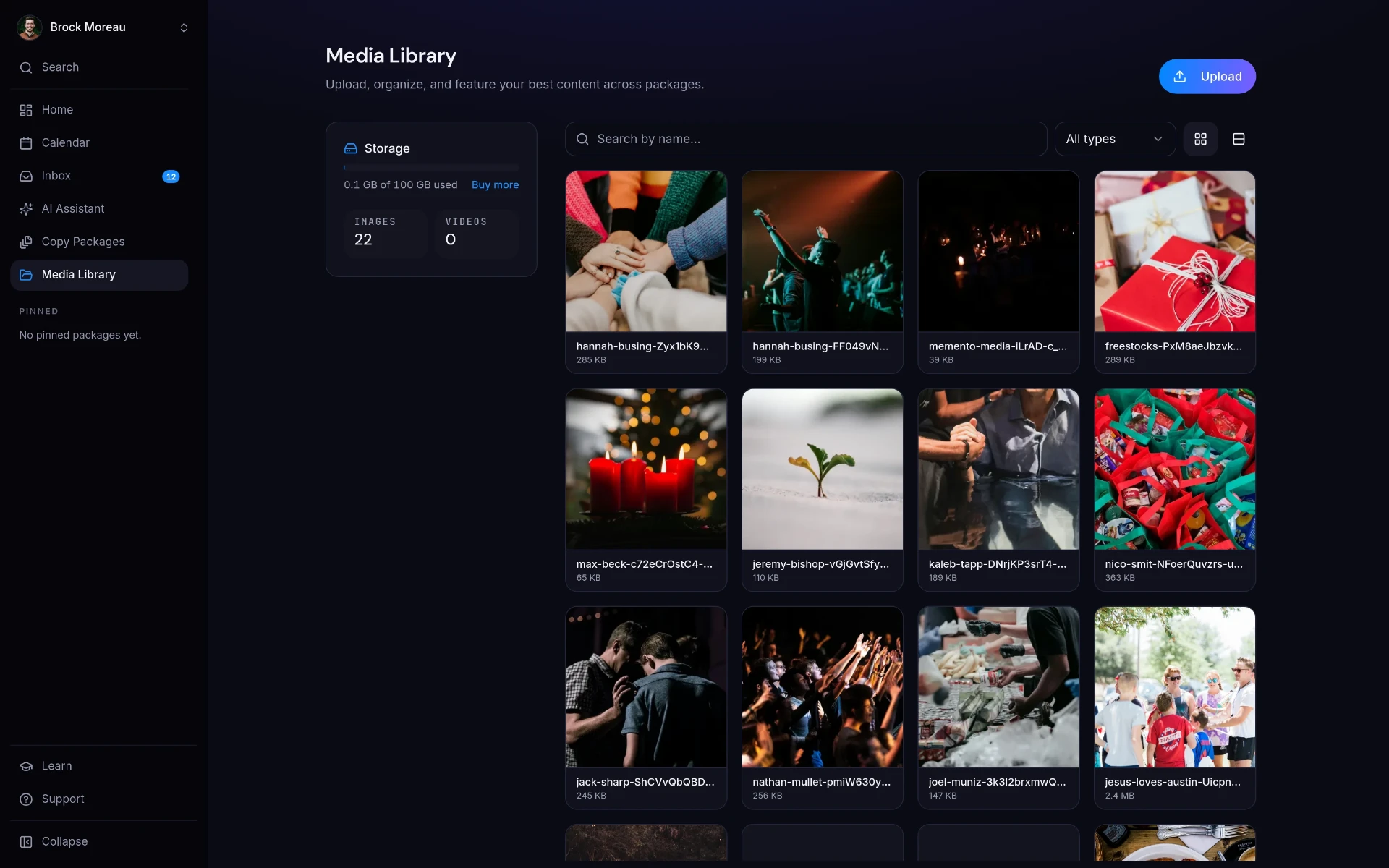
Full VBS promotion for parents across email, text, and social in one pass.
A giving appeal that stays pastoral on every channel it lands on.
Consistent worship-night promotion from announcement to day-of reminder.
Yes. ChurchCopy generates stage announcements, bulletin copy, emails, texts, and social posts from one short event description, written in your church's voice and sized correctly for each channel.
A copy package can include Facebook, Instagram, and X posts; text messages; stage announcements; newsletter copy; a reusable event description; an email campaign; a blog post; AI FAQ answers; Meta and Google Ads copy; volunteer recruitment; a press release; images and videos; and an editable communications timeline for planning when each piece goes out.
Filling out the event details takes about a minute, and the package generates in seconds. Teams typically replace several hours of manual rewriting per event.
Yes. Every item is directly editable, so you can type any changes yourself. There's also a built-in rephrase option on each piece, where you can prompt for suggestions or make it shorter, longer, or more casual.
Yes, and you never start from scratch. Build the copy package once, then duplicate it for the next week or the next part of the series and update only what changed: dates, speaker, theme, or call to action.
A clean home screen: pick an event, Sunday's sermon, or a quick message and start writing, with every package you're working on right below.
Learn moreA faith-aligned chat assistant grounded in your mission, voice, values, and AI policy, not a blank prompt box.
Learn moreComments, statuses, assigned tasks, and approvals on every piece of copy, with unlimited free viewer accounts.
Learn moreStart free for 7 days. No credit card required.